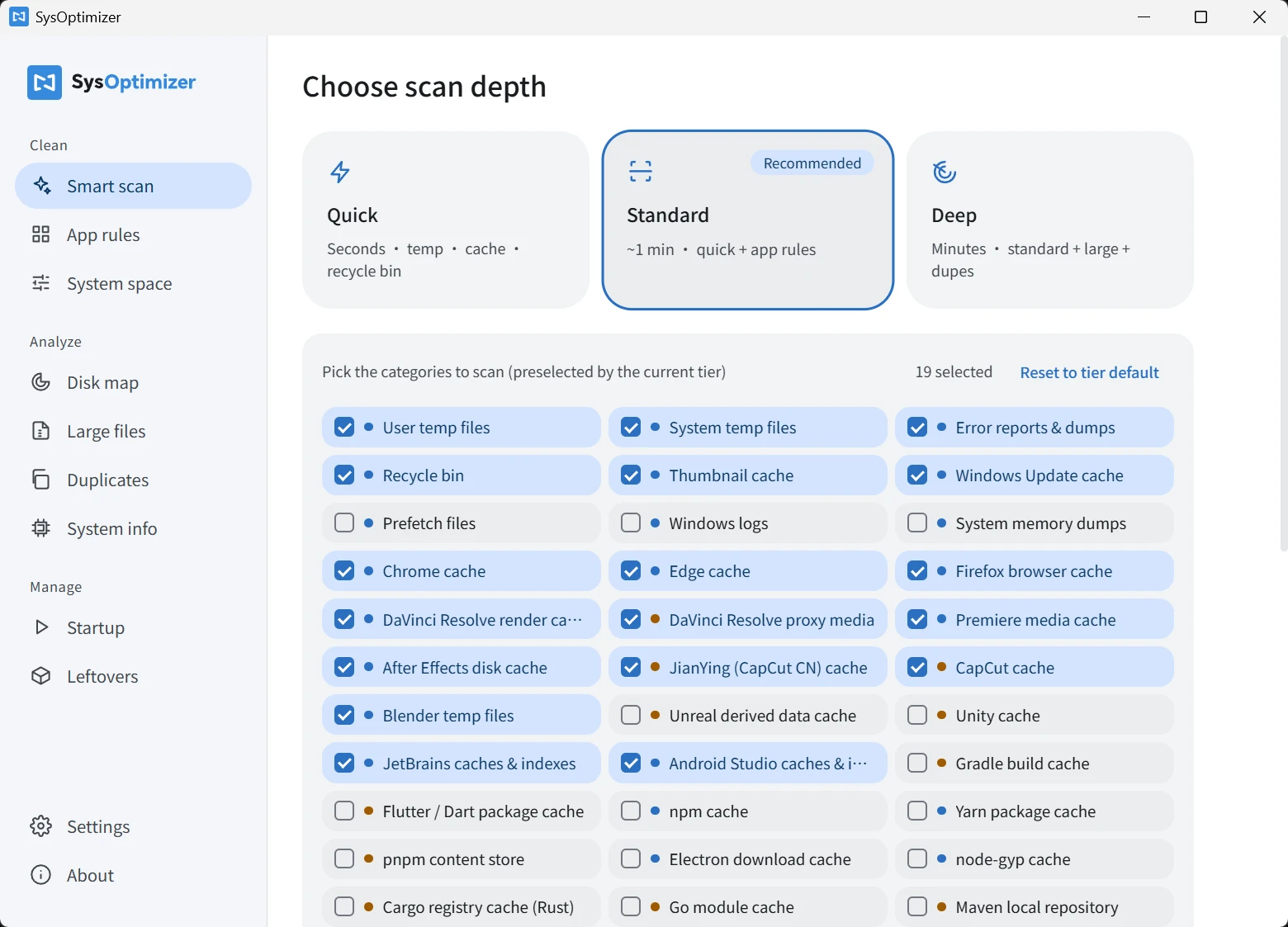
A tool that deletes files deserves to be built with maximum caution. These safeguards live in the code:
Dangerous-path safety gate
The cleaning engine refuses to recursively clean any path that resolves to a drive root, Windows / Program Files, personal folders like Desktop or Documents, or the AppData root — even if a rule or manual override points there. Enforced on both frontend and backend.
Cautious delete mode (on by default)
Amber slow-to-rebuild items go to the Recycle Bin first, giving you a way back; only risk-free caches are deleted directly. Toggle it anytime in Settings.
In-use and running-app detection
Locked files are skipped and counted; if the target app is running, an inline note asks you to close it first so its open pages don't break.
Symlinks never followed
Neither scanning nor cleaning follows symbolic links or shortcuts — link targets are never deleted by mistake, and sizes are never double-counted.
File-level preview & deselect
Preview every file before cleaning, sorted by size, and deselect anything you want to keep. Every cleanup ends with an explicit confirmation dialog.
Inline risk notes
“Recycle bin — cannot be undone”, “DaVinci proxies — regenerating may take hours”, “Go module cache is read-only” — every warning appears exactly on the row where it matters.
Local action log
Every cleanup is written to a local log, one click away in Settings; the About page tracks total space freed and cleanup count.
Verifiable downloads
The download page publishes a SHA-256 checksum for every installer, so you can verify integrity yourself.